
Run the game locally
Before starting to work on your bot, you will have to run a local instance of OpenFront. It will make development easier and allow you to configure the game to your needs.
Prerequisites
- tools setup, in particular Docker, Docker Compose
- cloning the repo to have a local copy of the game
Running the game
Installing Docker was actually the difficult part. Once installed, you can run the game with a single command.
Open your team repository in your preferred IDE (e.g. VS Code).
Inside the
openfrontdirectory, you will find a file namedexample.env. This file contains configuration for the game to run locally. Copy this file and name the copy.env. Make sure to keep it inside theopenfrontdirectory. The default configuration should be good for an initial local run, but feel free to explore the contents of the file if you want more information.Open a new terminal.
Navigate to the root directory of your team repository using the
lsandcdcommands. Do not hesitate to ask the staff for help if you are not familiar with the terminal.In the root directory of your team repository, run one of the following commands, depending on your machine's architecture:
bash# For x86_64 machines docker compose -f docker-compose.local.yml up # For ARM64 machines docker compose -f docker-compose.local.arm.yml upOpen your browser and navigate to
http://localhost:9000. Your browser will start loading. Since the server may not be ready yet, you may need to wait for around 20 seconds.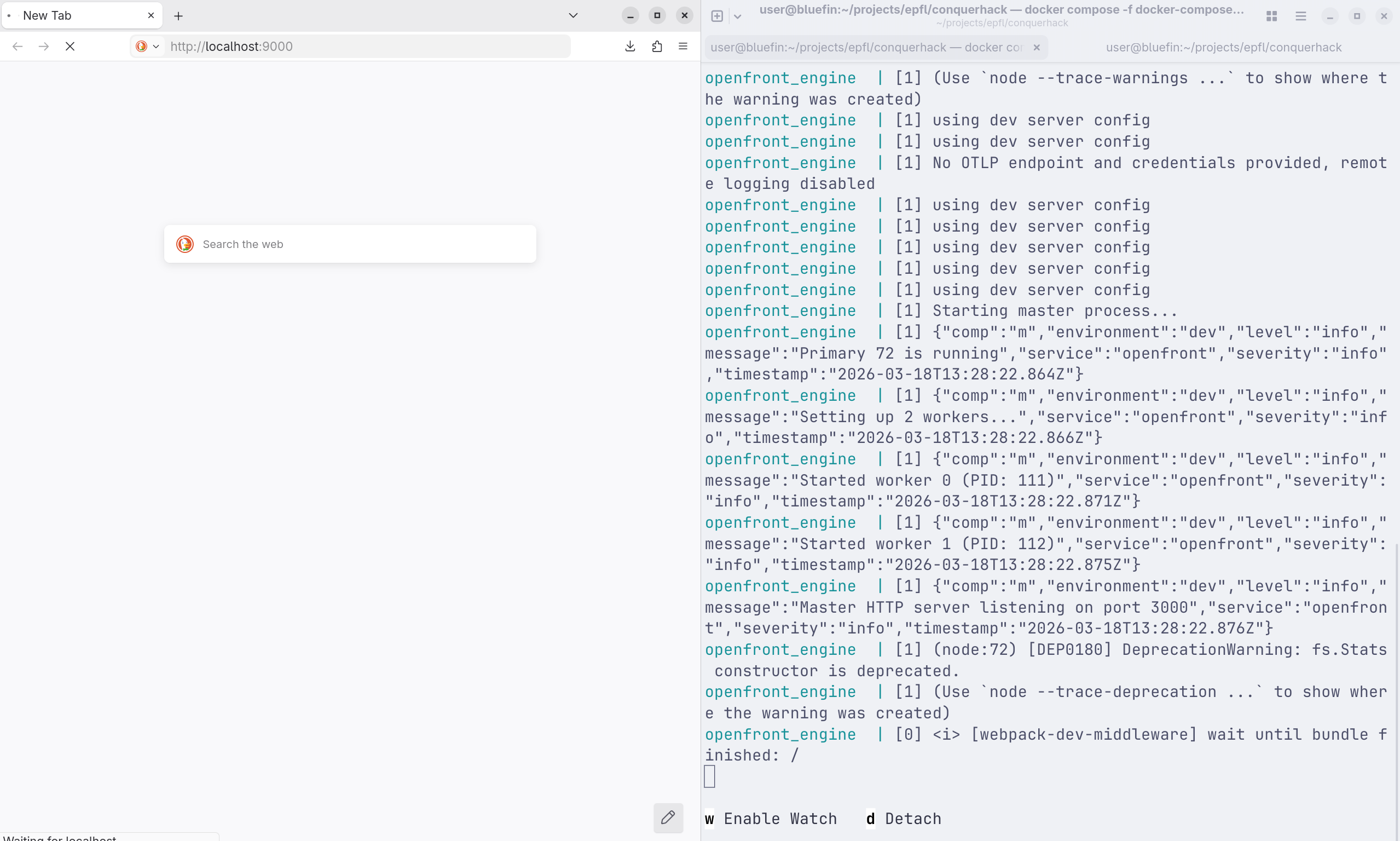
The page will be loaded once the server is ready.
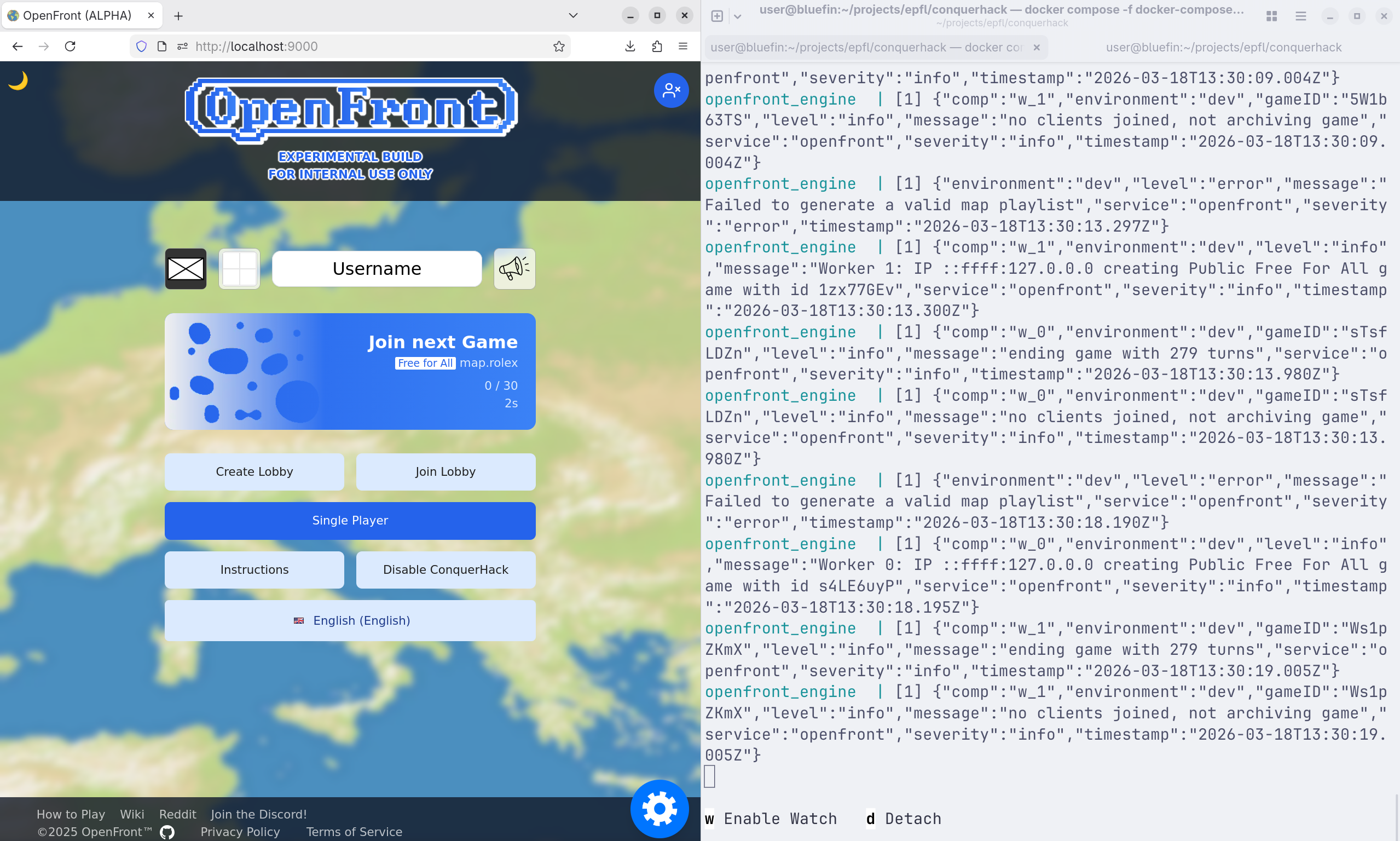
From then on, you can play the game locally. Try starting a game, playing for a little bit. This will give you confidence that the setup works, but also give you an idea of how the game works, and what your bot will have to do.
Once you are done playing, you can stop the game server by going back to the terminal and pressing
CTRL + C(orCMD + Con macOS). This will stop the local game server.
Now that the game is working locally, you are ready to run your bot locally as well, so that it can play the game.